 Mugipocket
Card scanner
Scan any One Piece card and see what it is worth
Point your phone at a card. Mugipocket identifies it and opens its page with the market price of every printing, the price trend and graded values, so you know what you are holding in seconds.


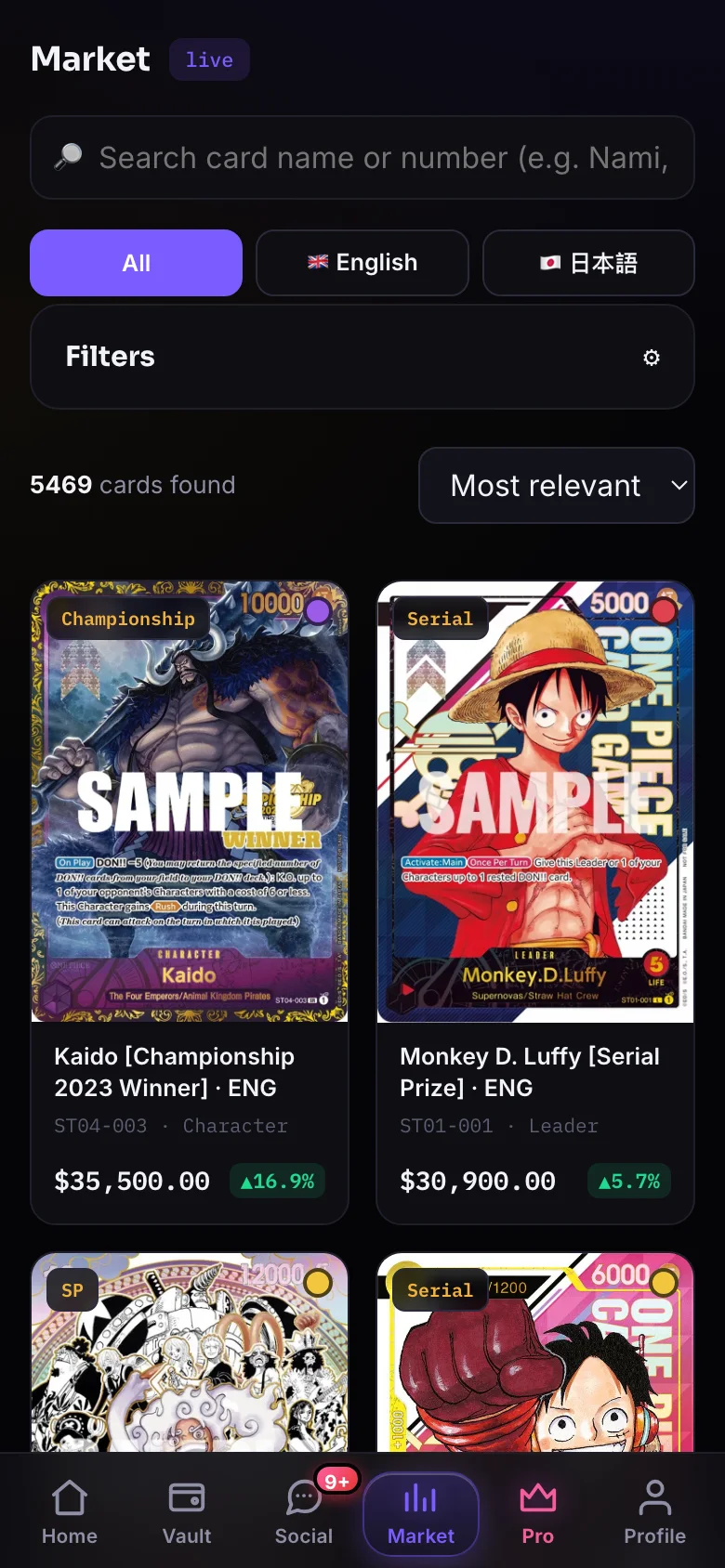
In short: Mugipocket includes a One Piece card scanner for iPhone and Android. Scan a card with the camera to identify it and see its current market price, price history and PSA graded values. Free users get a monthly scan allowance; Mugipocket Pro makes scanning unlimited.
Open Scan in Mugipocket and point the camera at the card. Lay it flat in good light and fill the frame.
Many cards exist in several printings, such as base, alternate art, manga or Japanese. The card page lists every printing with its own price.
Add the card to your Vault to track its value over time, or put it on your watchlist.
After the scan
Everything you need before you trade
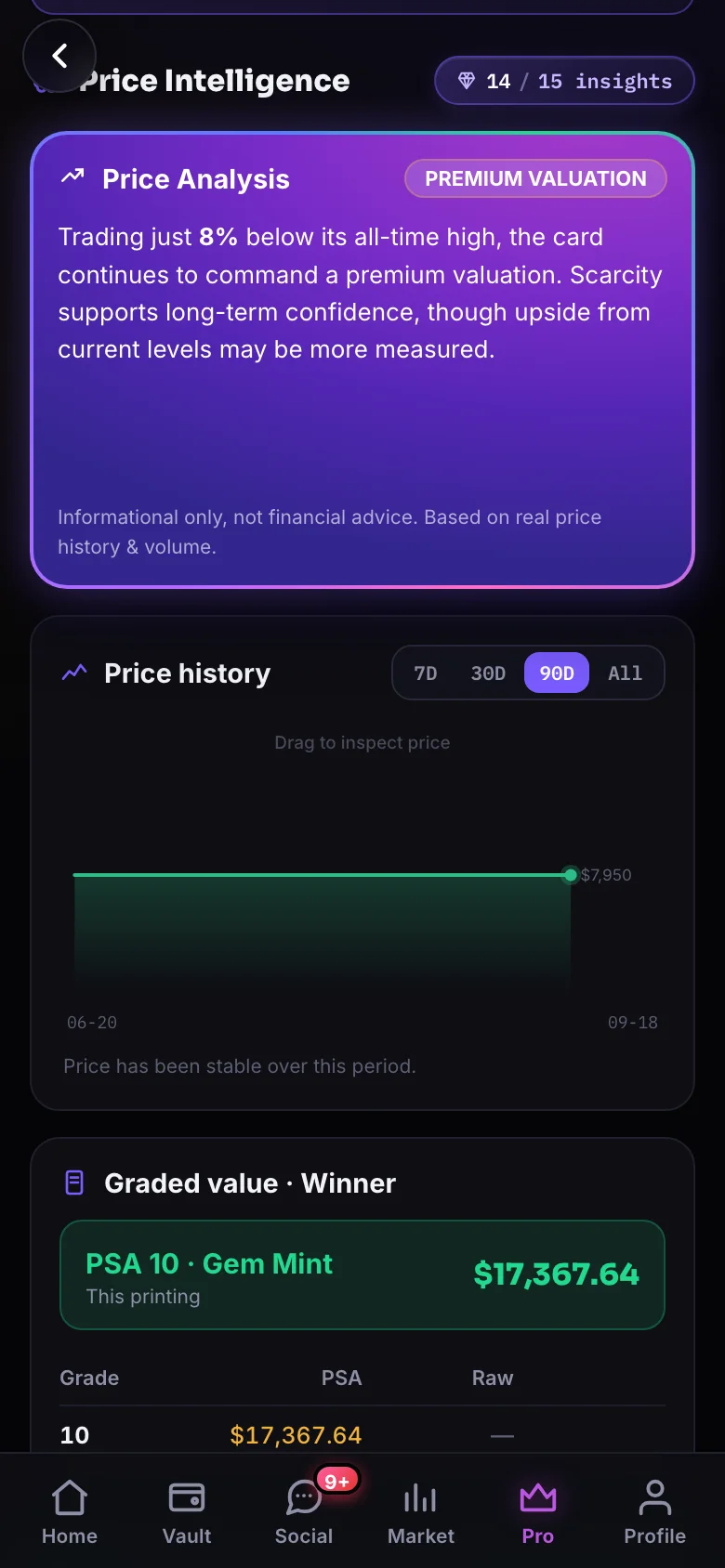
Each scanned card opens a full card page: today’s market price with the date, the price trend, PSA graded values and population, the card effect and every other printing of the same card number.
- Market price of the exact printing, updated daily
- Trend over 30 days and 12 months
- PSA 8 to 10 values and population
- Price Intelligence and the Grading Advisor with Pro
Tips
Get a clean scan every time
Most failed scans come from glare and angle. Foil cards, alternate arts and manga rares reflect a lot of light, so tilt the card slightly away from lamps and windows.
- Use soft, even light and avoid direct reflections
- Keep the card flat and square to the camera
- Fill most of the frame with the card
- Remove thick top loaders if the card is hard to read
Frequently asked questions
Is there an app that scans One Piece cards?
Yes. Mugipocket scans One Piece Card Game cards on iPhone and Android and shows the market price of the card you scanned.
Is the One Piece card scanner free?
Yes, with a monthly allowance of free scans. Mugipocket Pro makes scanning unlimited.
Does it cover Japanese cards?
Yes. The catalog includes English and Japanese printings, and each printing has its own price.
How accurate are the prices?
Prices are averages of tracked sales, refreshed daily. Rare printings with few sales can move quickly, so check the date and the price history on the card page.
Keep exploring
Free on iPhone and Android
Join 14,200+ players and collectors in 126 countries who use Mugipocket for prices, decks and practice.